
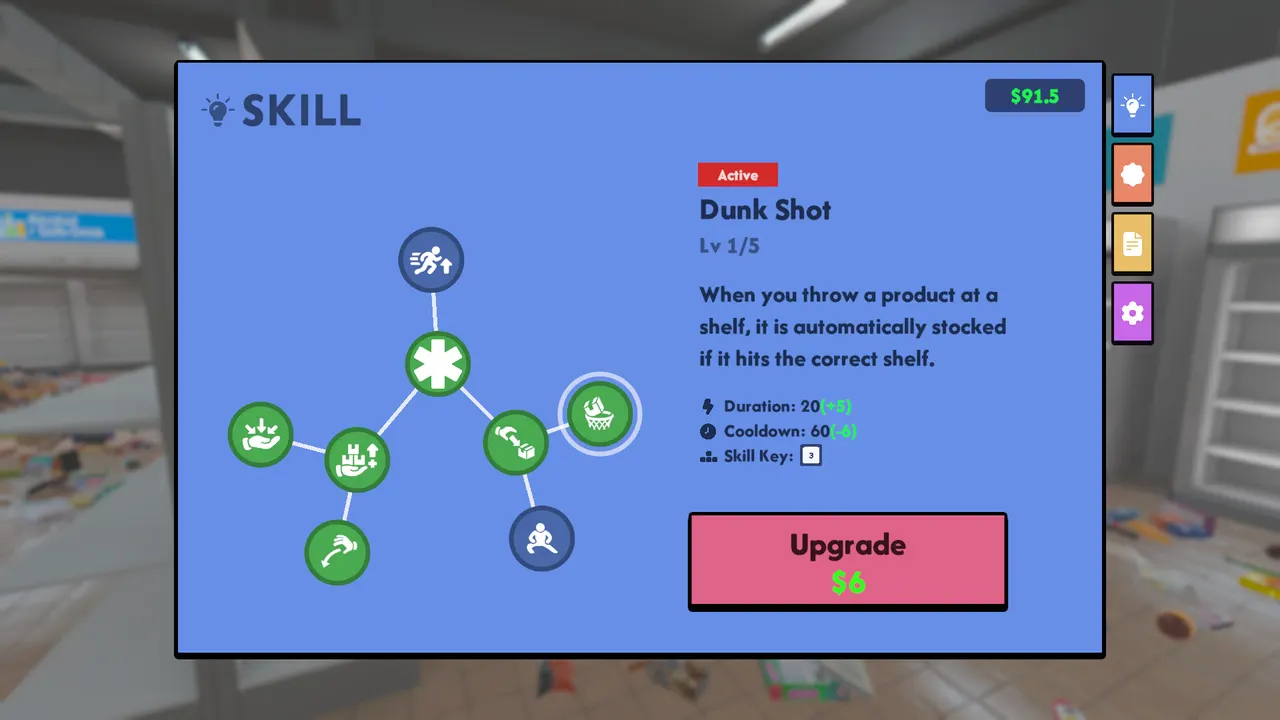
Supermarket Chaos is not hard because the timer is strict; it is hard because thousands of products create repeated micro-decisions. Upgrades should therefore be judged by the time and attention they save. The official Steam page confirms upgrades for movement, carrying, searching, and related convenience, while patch notes show the developer improving readability and controls after launch.
Carry upgrades
Carry upgrades are strongest when you already understand a section. More carrying power is wasted if you fill your hands with unrelated products. Use it to move several items from one temporary pile into the same aisle, then finish exact shelf placement with label reading. Carrying also reduces the fatigue of returning to the same floor pile over and over. The practical test is simple: if your current route makes you walk to the same shelf family three or four times in a row, more carrying capacity converts directly into fewer trips. If you are still unsure where products belong, delay the purchase and spend another pass learning signs.
Movement upgrades
Movement upgrades matter when the store route is clear but travel time dominates. Buy movement after you have enough section memory to avoid sprinting in circles. A faster player who still guesses badly just spreads the mess faster; a faster player with a clean route can compress the middle of the game. Movement is especially useful after large visual zones are partly restored, because the floor has fewer obstacles and the remaining work is repeated travel between known aisles. Treat it as a route multiplier, not as a substitute for reading labels.
Search and finder tools
Search tools become more valuable late, when the store is mostly readable and the remaining products are hard to spot. If you use them too early, they can hide the real problem: you have not learned the section map. Save finder-style help for final cleanup, confusing shelf families, or products that visually blend into the floor. The best use case is a small number of unresolved items after most shelf rows are full. At that point the tool reduces frustration without preventing you from learning the store.
Patch context
Patch 1.0.7 added product preview functionality according to Steam news. Patch 1.0.8 added backup-file loading and changed the wine drawer shape to make it more intuitive. These updates push the best route toward readable, deliberate sorting rather than brute-force searching. Recheck this page after major patches because upgrade value can change when signs, UI, and item readability change.
Practical buy order
A safe order is carrying first when your section knowledge is already good, movement first when you understand the store but travel distance dominates, and search help later when the remaining products are hard to see. If you are still placing products in wrong families, no upgrade fixes that directly. Spend a few minutes rebuilding the route before buying. The best purchase is the one that makes the next route loop shorter without making your decisions less careful.
When to skip an upgrade
Skip an upgrade when it amplifies bad habits. More speed is bad if you are using it to run between guesses. More carrying capacity is bad if it turns your hands into a mixed pile. Search help is bad if it stops you from learning the section map. Upgrades should support a clean route: local piles, exact label checks, and fewer repeat trips. If a purchase makes the store harder to reason about, wait until your current section is more stable.
Midgame upgrade logic
Midgame upgrades should be judged by route compression. If one purchase lets you finish a shelf family in two trips instead of five, it is useful. If it only makes the same confused loop faster, wait. Carrying tends to shine when temporary piles are well organized. Movement tends to shine when shelves are already mapped. Search tools tend to shine when broad sorting is done and the remaining products are small, hidden, or visually similar. The best upgrade changes the next ten minutes, not the whole theoretical run.
Comfort and controls
Because the game asks for repeated pickup and shelf-placement actions, comfort has strategic value. Controller fixes, mouse inversion options, VSync, and product preview support can change how tiring a long cleanup feels. If input feels awkward, solve that before buying route upgrades, because poor control precision makes every upgrade look weaker than it is. A comfortable setup also reduces accidental throws, missed shelves, and repeated corrections. Treat settings and controls as part of the route, not as a separate menu chore.
FAQ
What is the best first upgrade?
If you are constantly returning to the same nearby pile, carry capacity is usually the clean first value. If you already route well but lose time crossing the store, movement becomes stronger.
When should I use finder tools?
Use them after the broad section map is stable. Finder tools are best for the final cleanup and for shelf families that remain confusing after local sorting.