
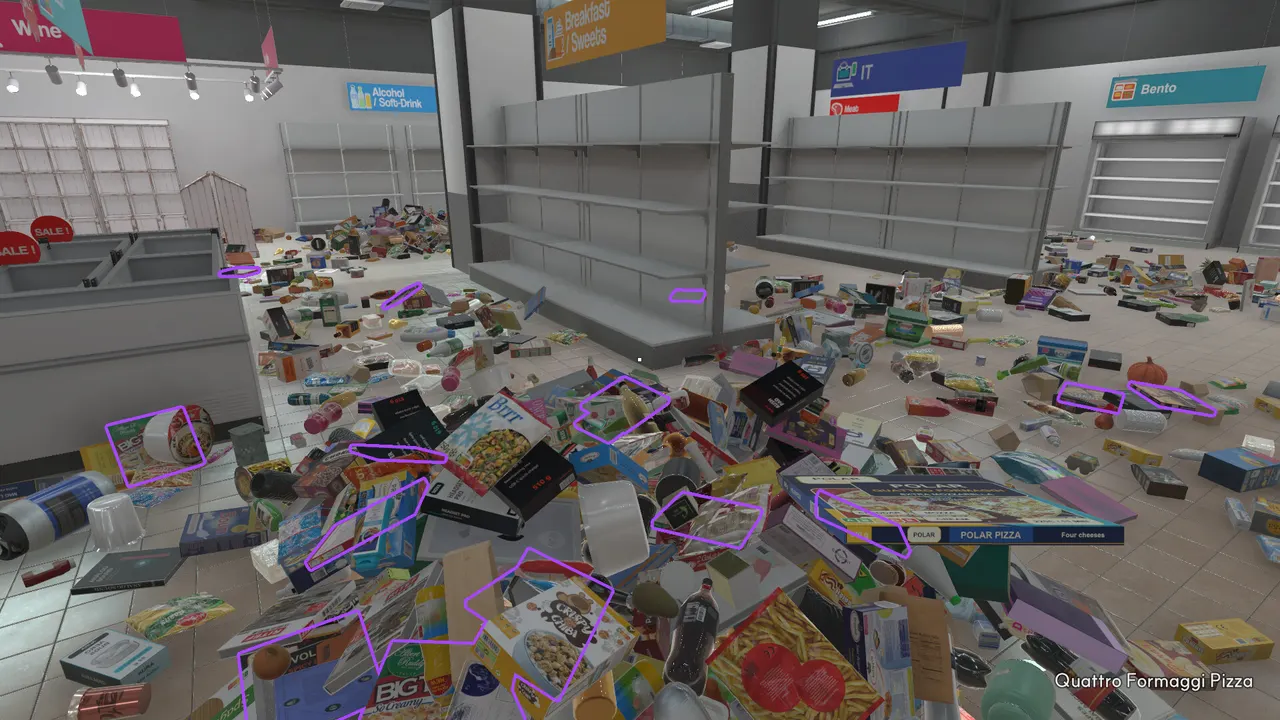
This FAQ focuses on questions that change how you play. The common thread is simple: Supermarket Chaos rewards calm routing. If an answer does not help you place products, choose upgrades, or understand the current version, it does not belong on this page. Use it as a fast decision layer before opening the longer guides: first identify the section family, then solve the shelf label, then decide whether an upgrade or finder tool removes the current bottleneck.
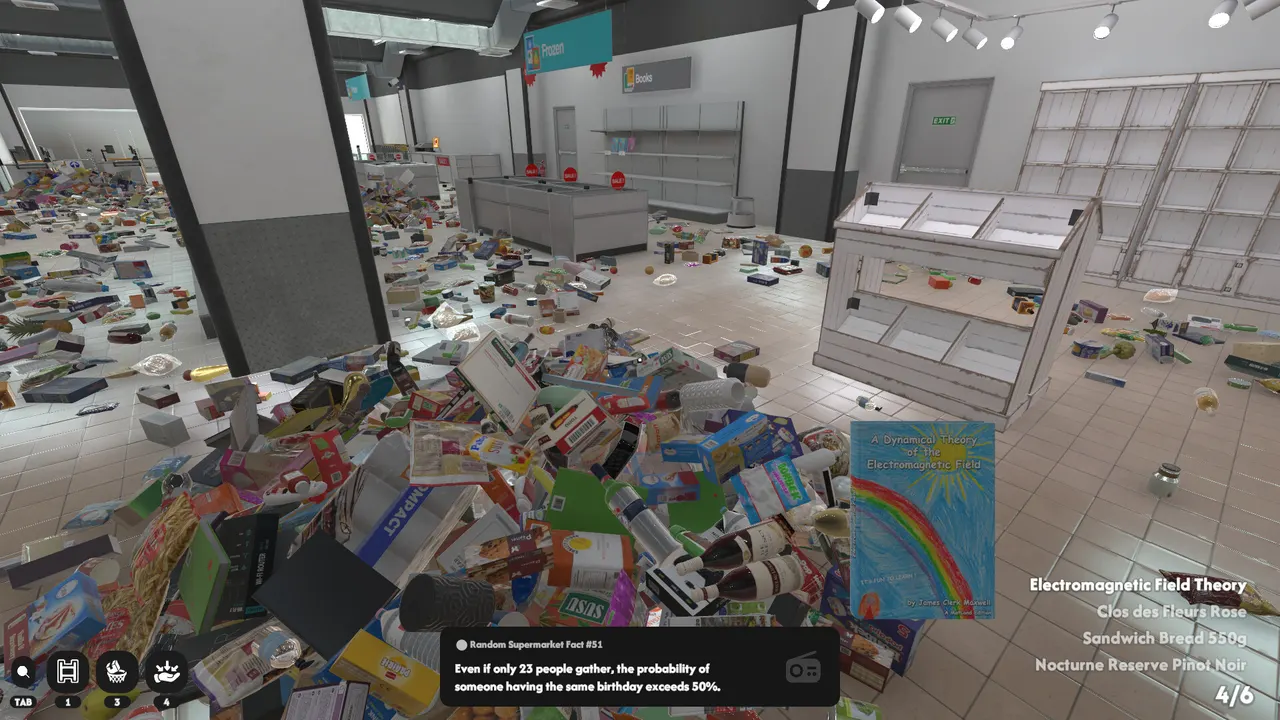
Sorting questions
The game asks you to place 4,668 products across 16 sections. You do not need to memorize all products at once. Start with official named categories and visible signs, then use exact shelf labels to finish placement. When stuck, reduce the problem from a whole-store search to one section family. A good rule is to move only products that have a reason: a readable sign, a matching package shape, or a nearby shelf label. Random carrying creates more work because you lose the original context of the pile.
Progress questions
Achievements mostly follow stocked-product milestones, so they are a useful progress bar. The full clear reaches 4,668 placed products. If progress feels slow, the cause is usually poor pile discipline, not lack of speed. Keep each temporary pile tied to one category question. Passing 1,000 stocked products means your basic route is working. Passing 4,000 means the remaining challenge is precision: search the floor edges, revisit shelves with similar labels, and avoid spreading the final products across several zones.
Version questions
The wiki follows launch-week Steam data and official news through Jul 5, 2026. Patches have already changed readability, controls, backup loading, and product preview. A future multiplayer update could change route advice, especially if players can split sections or carry responsibilities between roles. Until that update arrives, the guides here assume a single-player cleanup where one player owns every route decision. Patch-specific advice is kept separate so it can be updated without rewriting the basic section map.
Troubleshooting questions
If an item seems impossible to place, do not assume the game is broken first. Check whether you are in the correct broad family, whether the shelf row uses a similar product name, and whether another nearby aisle has a better label match. If progress stopped after most shelves are filled, consolidate all uncertain products into local review piles and walk the store edges. If labels or input behavior feel different from older advice, check Patch Notes because launch-week updates changed several readability and control details.
Decision shortcuts
When you need a fast answer, reduce the question to one of three types. If the problem is “where does this go,” use Section Map or Sections Hub. If the problem is “why is this slow,” use Upgrades and ask whether walking, carrying, or searching is the bottleneck. If the problem is “what changed,” use Patch Notes and check whether a launch-week fix affects signs, labels, controls, or saves. This shortcut keeps FAQ answers tied to action instead of becoming a loose list of trivia.
When to stop guessing
Stop guessing when two wrong attempts happen in the same shelf family. That usually means the broad category is wrong, the exact label is not readable yet, or a similar package belongs elsewhere. Put the item down near the closest plausible family, clear the nearby obvious matches, and return with better context. Guessing is useful only as a quick test. Repeated guessing turns the store into a memory problem, while the game is easier when treated as a label and route problem.
FAQ
How many products are in Supermarket Chaos?
The official Steam page says the cleanup includes 4,668 products. That number is large enough that the most useful strategy is not memorizing every name, but learning signs, shelf families, and repeatable route habits. Use exact product names only after you have narrowed the item to a likely section.
How many sections are there?
The Steam page says there are 16 sections and names examples such as fruit, tea, frozen foods, books, wine, and ramen. This wiki keeps section advice on one hub page unless a section has enough verified data to justify a deeper standalone page later.
Is the game stressful?
It is built as a relaxed organizing game. The Steam copy says there are no time limits and no game over, so the pressure comes from visual clutter rather than punishment. Slow scouting and tidy temporary piles are valid play, and taking time to read labels usually saves more time than rushing.
What should I read first?
Use the Directory if you want the whole site map, Beginner Guide if the store feels overwhelming, Section Map if products keep going to the wrong place, and Upgrades if the route is correct but slow. Achievement hunters should open Achievements before final cleanup.