
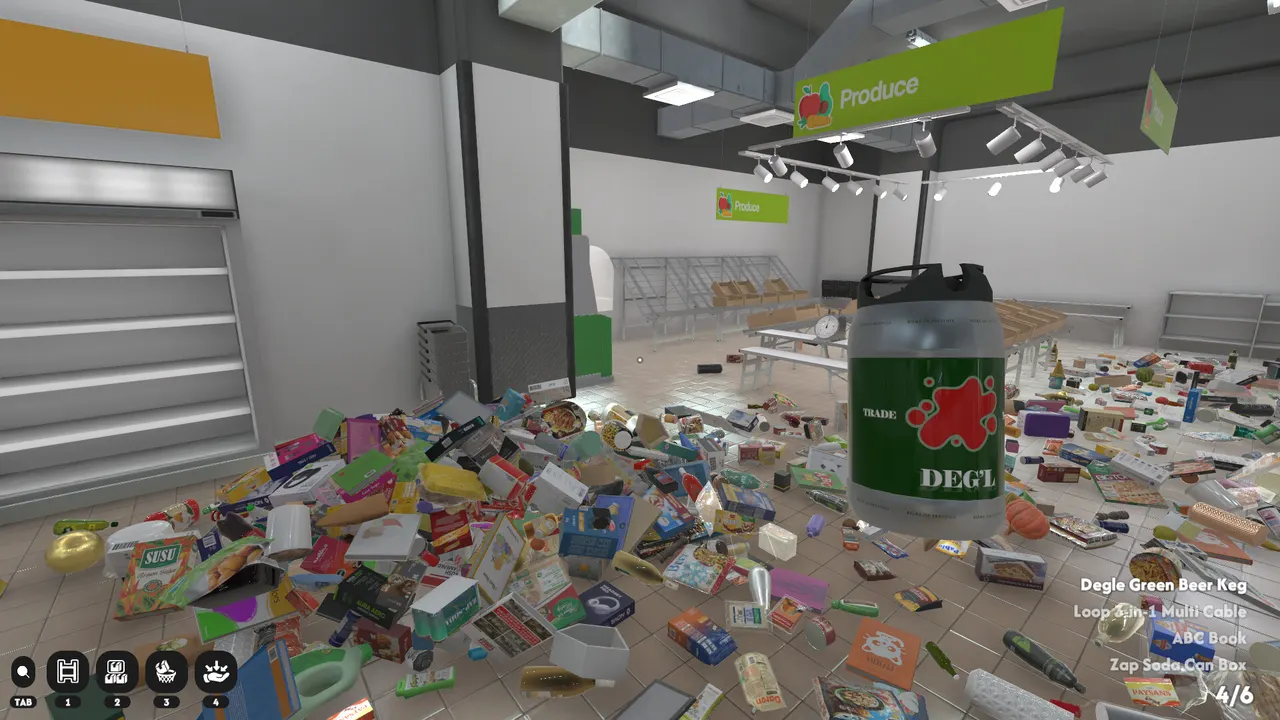
The first mistake in Supermarket Chaos is treating every object on the floor as an equal priority. The store is too large for that. A better start is to read the building like a real supermarket: identify the big signs, clear one local zone, keep temporary piles meaningful, and only carry mixed stacks when you know where most of the items are going.
First five minutes
Walk before you sort. Look for big overhead signs, empty shelf banks, and category colors. The Produce sign is a useful early anchor because it is visually distinct in the Steam screenshots. Put one obvious item away to learn shelf feedback, then stop grabbing random products. If a product is unclear, move it into a temporary pile near the section you suspect rather than carrying it across the whole store. The goal of the first pass is information, not speed. You want to know which aisles are obvious, which labels are readable, where large product piles block movement, and which sections should wait until the floor is cleaner.
Temporary pile rules
Temporary piles only work if each pile has a single question. A good pile is “probably cleaning goods” or “flat books and magazines.” A bad pile is “things I picked up while walking.” Keep piles near their likely aisle, never in a main walking lane, and revisit them after the nearby shelf labels are readable. This prevents the late-game problem where the last dozen products are scattered across every corner. A strong pile is small enough that you can still remember why each object is there. If it grows into a mixed dump, split it immediately by shape, shelf family, or visible label language.
Read shelves, not packaging art
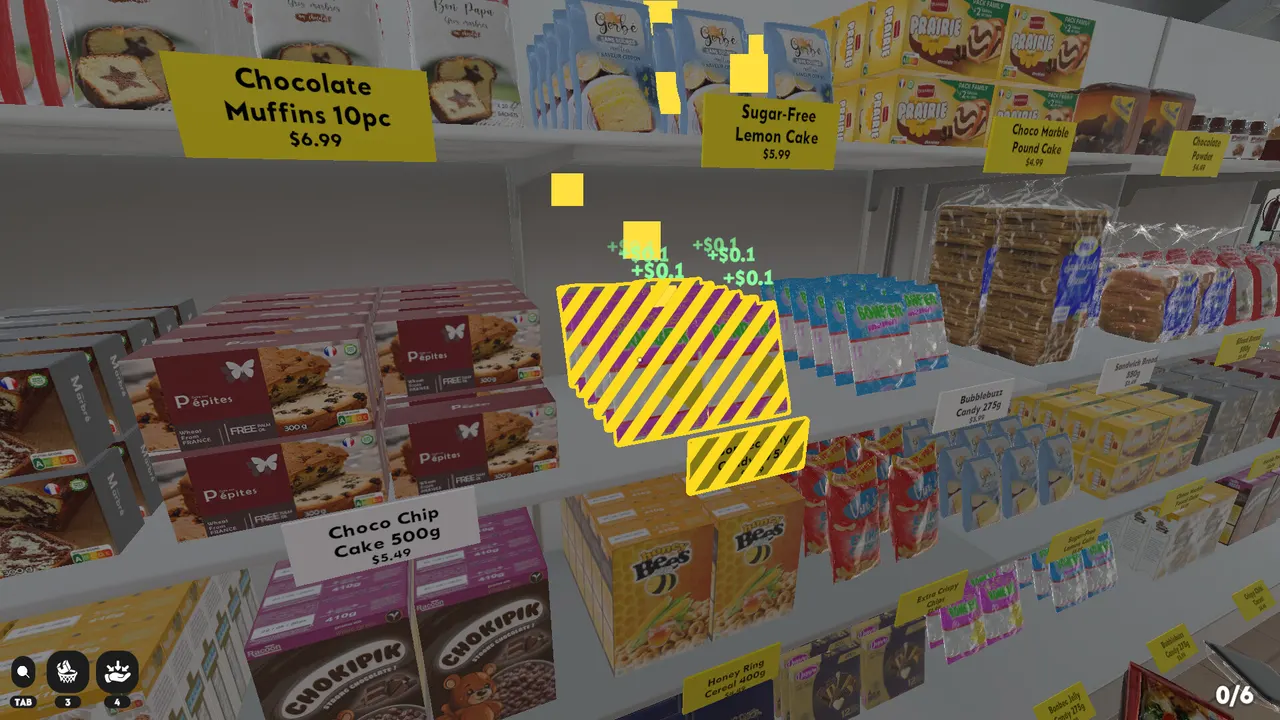
Packaging art can mislead you because the game uses many fictional brands and similar boxes. Shelf labels are the final authority. In screenshots, labels include product names and prices, so the correct move is to reduce the search area first, then match the exact label. This is why section memory beats individual product guessing during the opening hour. When two products look similar, do not decide from color alone. Compare the shelf family, package shape, product name, and nearby price tags. A slow exact match is faster than carrying the same product through three wrong aisles.
When to buy upgrades
The official Steam copy confirms upgrades for movement, carrying, searching, and related convenience. Buy upgrades when they remove the current bottleneck. If you are walking across the store for every item, movement helps. If you keep returning with half-empty hands, carrying helps. If the store is mostly clean but the last products are hard to locate, searching tools become more valuable. Do not buy from habit. Watch what wastes your next five minutes, then choose the upgrade that removes that exact friction. A good upgrade makes your route simpler; it should not encourage faster guessing.
First cleanup loop
Use a repeatable loop: scout a small area, identify two or three product families, move obvious products into local piles, place exact matches, then rescan the same aisle before leaving. This loop keeps context fresh. It also gives you a natural stopping point if you need to take a break, because each aisle ends in a more readable state than when you arrived. Avoid the opposite pattern: picking up whatever is closest, walking until something fits, and leaving half-solved piles behind you.
Mistakes to avoid
The most expensive beginner mistake is spreading uncertainty. If you are unsure, keep the item near a likely family instead of moving it across the whole store. The second mistake is cleaning only the center of the floor while ignoring products near walls, corners, and shelf ends. The third mistake is using search help before the map is stable. Search tools are strongest after broad families are solved; before that point, they can hide the fact that your route still lacks structure.
Mid-game reset
Around the middle of the cleanup, the store can look worse than it really is. The obvious piles are gone, but the remaining products are spread across shelves, corners, and old temporary piles. Stop and reset the route before you lose time. Walk the perimeter, pull loose products toward their likely families, and merge any tiny piles that ask the same question. Then choose one section and finish it until the shelf row is readable. A reset is not wasted time; it prevents the late-game pattern where every product requires a full-store search.
Good stopping points
Supermarket Chaos is a long cleanup, so stopping points matter. Do not quit after creating several unsolved piles unless you also leave a clear clue for yourself. Better stopping points are after a section family is mostly restored, after a temporary pile is resolved, or after you have moved uncertain products near the correct shelf family. Before ending a session, make one short review lap and remove any product blocking a walking lane. When you return, the store should explain what you were doing without relying on memory.
FAQ
What should I do first?
Make one slow scouting lap, learn the main signs, place one simple item, then clear a small section instead of grabbing every nearby object.
Are temporary piles cheating?
No. They are the safest way to reduce visual noise. The key is to keep each pile tied to a category question, not to create a second messy store.